
Transform your ideas into high-quality videos in minutes. Learn the exact step-by-step workflow to master AI video creation for marketing and social media.
Did you know that by 2026, online videos will make up more than 90% of all consumer internet traffic? For freelancers and business owners, the barrier to entry was always high: expensive cameras, complex editing software, and hours of manual labor. However, the game has changed entirely with the advent of AI video creation. Today, you can take a raw idea and transform it into a high-quality, professional video ready for publishing in just a matter of minutes. This guide is your roadmap to mastering this revolution.
We are no longer in an era where you need a production crew to go viral or convert leads. In this deep dive, you will learn the exact step-by-step workflow for AI video creation. We will cover everything from generating high-impact scripts and hyper-realistic AI avatars to automated voiceovers and lightning-fast distribution. Whether you are building a YouTube empire or creating social media ads, this guide will show you how to leverage technology to outpace your competition. Prepare to turn your content ideas into reality faster than ever before.
The Revolution of AI Video Creation
The traditional video production cycle used to take weeks. You had to write a script, find a location, record multiple takes, and then spend days in post-production. AI video creation has collapsed this timeline into mere minutes. This isn’t just about speed; it’s about the democratization of visual storytelling.
Now, a single individual can act as a director, editor, and narrator simultaneously. AI tools handle the technical complexities like lighting, sound mixing, and frame stabilization. This allows the creator to focus entirely on the strategy and the message being delivered to the audience.
Furthermore, the cost of production has plummeted. Instead of thousands of dollars in equipment, a small monthly subscription to a few key AI tools gives you access to a virtual studio. This shift is enabling small businesses to compete with global corporations on equal footing.
Phase 1: AI-Powered Scriptwriting and Conceptualization
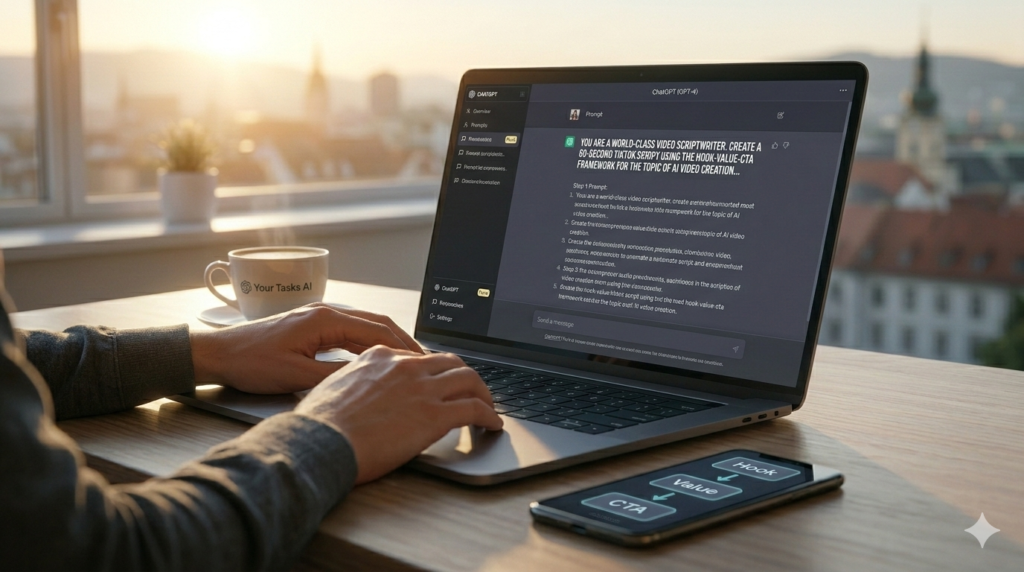
The Foundation of Engagement: Mastering prompts on ChatGPT allows you to generate compelling scripts using the “Your Tasks AI” Hook-Value-CTA framework in seconds.
Every great video starts with a compelling story. Without a strong script, even the most advanced AI visuals will fail to convert. AI video creation begins with using Large Language Models (LLMs) to structure your narrative for maximum engagement.
The key to a high-converting script is the “Hook-Value-CTA” framework. You have approximately three seconds to grab a viewer’s attention before they scroll past. AI tools can generate dozens of hook variations based on psychological triggers like curiosity or urgency.
- Hook: A startling statistic or a direct question that addresses a pain point.
- Value: Solving the problem or providing the information promised in the hook.
- CTA (Call to Action): Directing the viewer on exactly what to do next.
Once the hook is established, the AI can flesh out the body of the script. It ensures that the pacing is correct for the platform, whether it is a 60-second TikTok or a 10-minute deep dive for YouTube. This stage is crucial for setting the tone of your entire AI video creation process.
Phase 2: Generating Hyper-Realistic AI Avatars and Visuals
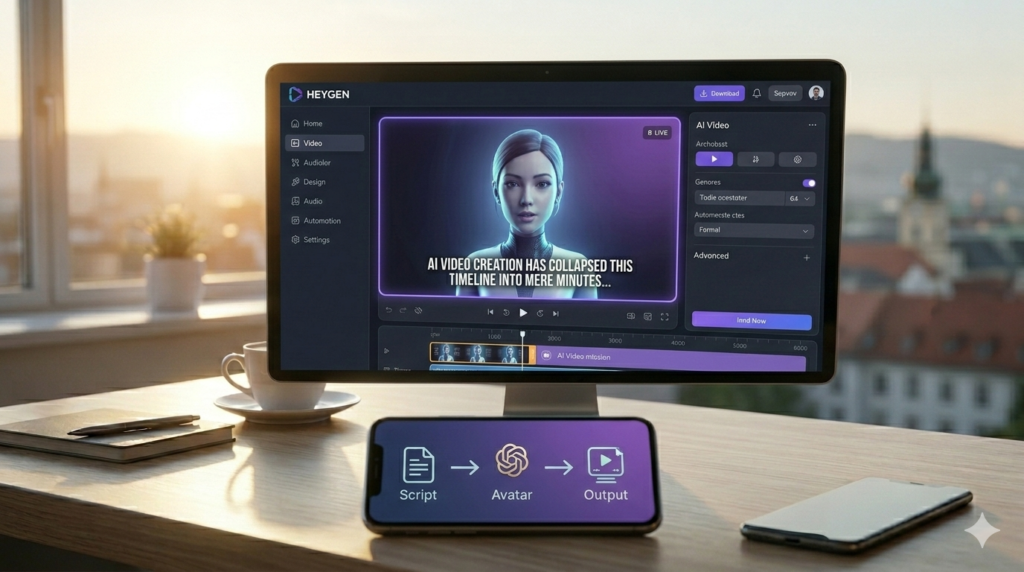
Your Digital Presenter: AI avatars on platforms like HeyGen and Synthesia remove the need for cameras. The “Your Tasks AI” workflow turns scripts into professional presenters.
One of the most impressive aspects of modern AI video creation is the ability to use digital avatars. You no longer need to be on camera yourself to build a personal brand or deliver a corporate presentation. Tools like HeyGen or Synthesia allow you to use lifelike avatars that speak your script perfectly.
These avatars are created using sophisticated neural networks that mimic human micro-expressions and body language. This means the videos look professional and trustworthy. For freelancers, this is a massive advantage as it removes the need for a studio setup.
Choosing the Right Visual Style
Depending on your brand, you might not want a human avatar. You might prefer:
- Stock Footage Integration: AI tools that automatically find and stitch together relevant B-roll.
- Animated Explainer Styles: Using AI to generate vector animations based on your text.
- AI Art Overlays: Integrating images from tools like Leonardo.ai or Midjourney to create a unique aesthetic.
The flexibility of AI video creation means you can test different visual styles for different audiences. You can create a high-energy version for younger demographics and a more sober, professional version for B2B clients, all from the same script.
Phase 3: Professional AI Voiceovers and Audio Mastery
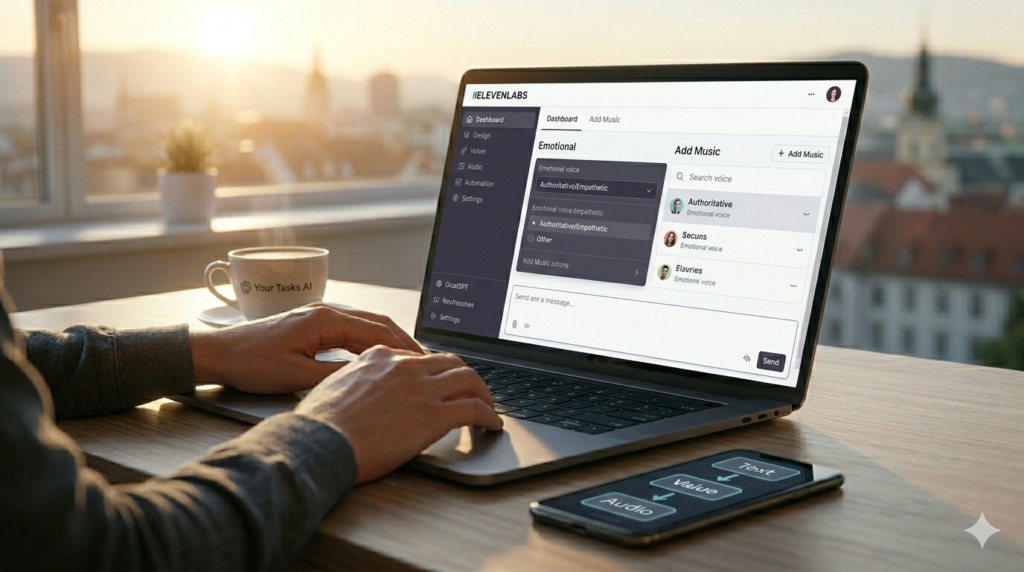
Acoustic Excellence: Professional AI voices on ElevenLabs give your videos human-like emotion and pacing. Perfect audio is essential for maintaining audience connection.
Audio quality is often more important than video quality. If a video sounds poor, viewers will leave immediately. AI video creation has solved this through advanced text-to-speech (TTS) engines like ElevenLabs. These tools provide voices with human-like intonation, emotion, and pacing.
Gone are the days of the robotic, “Siri-style” voiceovers. Today’s AI voices can whisper, shout, or even sound sarcastic. This level of emotional depth is essential for creating a connection with your audience and driving conversions.
Multilingual Reach
One of the most powerful features of AI audio is instant translation. You can take your English script and, within the same AI video creation workflow, generate versions in Spanish, French, Mandarin, or any other language. This allows you to scale your reach globally without hiring translators or foreign voice actors.
Furthermore, AI can now handle background music and sound effects automatically. Tools can analyze the mood of your video and select a royalty-free track that fits perfectly. This creates a cohesive sensory experience that keeps viewers engaged until the very end.
Phase 4: The Post-Production Sprint
Editing used to be the most time-consuming part of the process. In a modern AI video creation workflow, post-production happens almost instantaneously. AI editors can automatically remove filler words (like “um” and “ah”), add subtitles, and insert transitions.
Subtitles are no longer optional. A large percentage of users watch videos on mute, especially on social media. AI tools can transcribe your audio with 99% accuracy and overlay stylish, animated captions that keep the viewer’s eyes on the screen.
Automated B-Roll and Graphics
Tools can now “read” your script and automatically insert relevant clips or images at the exact moment they are mentioned. If your script mentions “increasing profits,” the AI finds a clip of a rising graph or a successful business meeting. This level of automation in AI video creation ensures that your video is never boring or static.
Additionally, AI can help with color grading and noise reduction. If you did record some footage yourself, AI filters can make a smartphone clip look like it was shot on a professional cinema camera. This “polishing” stage is what gives your content that elite, high-end feel.
Phase 5: Distribution and SEO for AI Video
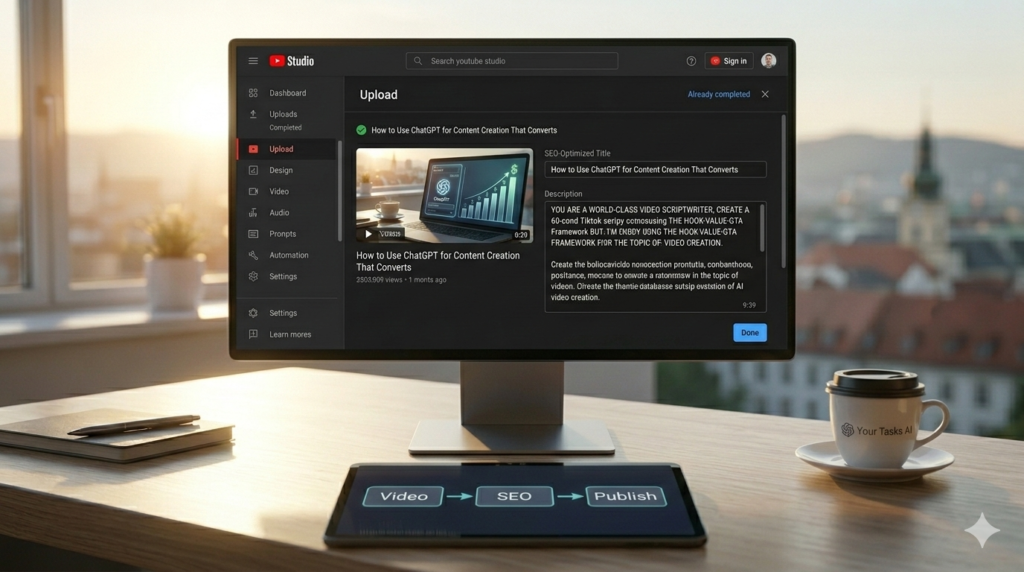
Automate Your Reach: AI video creation extends to optimization. Use ChatGPT to generate SEO-ready metadata to ensure your “Your Tasks AI” content reaches the right audience.
Creating the video is only half the battle. To see a return on investment, you must ensure it reaches the right people. AI video creation extends into the metadata—titles, descriptions, and tags—that tell search engines what your content is about.
AI can analyze your video and generate SEO-optimized titles that are designed to trigger the YouTube or TikTok algorithm. It can also write comprehensive descriptions that include all the necessary keywords without looking like spam.
- Thumbnail Generation: Using AI to create high-click-through-rate (CTR) thumbnails.
- Timestamps: Automatically generating chapters for longer videos to improve user experience.
- Repurposing: Taking a long video and using AI to chop it into 5-10 “Shorts” or “Reels” for different platforms.
This repurposing strategy is the secret to maximum visibility. One 10-minute session of AI video creation can provide you with a week’s worth of content across all your social media channels. It is the ultimate efficiency hack for the modern freelancer.
Overcoming Common Challenges in AI Video
While the technology is powerful, AI video creation is not without its hurdles. One major challenge is maintaining “Human Connection.” Because the tools make it easy to create content, there is a risk of becoming too clinical or distant.
To counter this, you must inject your personality into the scripts. Use personal stories, unique opinions, and specific brand values. The AI should be the hands that build the house, but you must be the one who provides the interior design.
Another challenge is staying updated with the rapid pace of change. A tool that is the market leader today might be obsolete in six months. Successful creators at Yourtasksai.com stay ahead by constantly testing new features and staying flexible in their choice of software.
Case Study: From 0 to 1 Million Views with AI
Consider the example of a freelance consultant who wanted to build a brand on YouTube. Traditionally, they would have needed a $5,000 budget for a videographer. Instead, they embraced AI video creation.
Using ChatGPT for the strategy, ElevenLabs for the voice, and HeyGen for the avatar, they produced one high-quality video every day for three months. Because the cost was so low, they could afford to experiment with different topics. Within 90 days, they hit 1 million views across their channel, leading to a massive influx of high-paying consulting clients.
This isn’t an outlier; it’s the new reality. The ability to produce professional-grade content at scale is the great equalizer of the digital age. Those who master AI video creation now will be the ones who dominate the market in the coming years.
Advanced Strategies: Personalization at Scale
Imagine sending a personalized video to every single one of your email subscribers, addressing them by name and mentioning their specific business. In the past, this would be impossible. With AI video creation, it is a reality.
Tools like Bhuman or Tavus allow you to record one “template” video and then use AI to swap out the name and specific details for thousands of different recipients. This level of personalization leads to astronomical conversion rates because the recipient feels like you created the video just for them.
- Personalized Cold Outreach: Sending a video to a prospect that mentions their company name.
- Customer Onboarding: A personalized “Welcome” video for every new client.
- Re-engagement: Sending a video to a former client to remind them of your services.
This is the cutting edge of AI video creation. It moves beyond “content” and into “direct communication,” which is where the highest profit margins exist for freelancers and agencies alike.
The Ethics and Transparency of AI Video
As AI video creation becomes more lifelike, transparency becomes crucial. Many platforms now require creators to label content that has been significantly altered or generated by AI. At Yourtasksai.com, we believe in being honest with your audience.
Labeling your content as “AI-Enhanced” or “Produced with AI” doesn’t hurt your credibility; in fact, it often enhances it. It shows that you are at the forefront of technology and that you value efficiency. Your audience cares about the value you provide, not necessarily whether you spent 10 hours or 10 minutes making the video.
However, avoid using AI to create deceptive content or “deepfakes” that could harm others. The goal of AI video creation should always be to solve problems and provide authentic value to your community. Ethical usage is the foundation of a long-term, sustainable brand.
Cost-Benefit Analysis: Is AI Video Right for You?
If you are a freelancer wondering if you should invest in AI video creation, the answer lies in the numbers. Calculate how much your time is worth per hour. If it takes you 5 hours to edit a video manually, and an AI tool can do it for $30/month in 5 minutes, the ROI is massive.
The “cost” of AI is no longer a barrier. The real cost is the “Opportunity Cost” of not being on video. If your competitors are using AI video creation to reach thousands of people while you are still struggling to write a single blog post, you are losing market share every single day.
Investing in these tools allows you to reclaim your time. That time can then be spent on high-level networking, closing deals, or simply enjoying your life. Efficiency isn’t just about money; it’s about freedom.
Conclusion: Start Your AI Video Journey Today
We have covered the entire spectrum of AI video creation, from the initial spark of an idea in a script to the final SEO-optimized upload. The message is clear: the tools available today have removed every traditional excuse for not producing high-quality video content. You have the power to create professional, engaging, and high-converting videos in minutes.
By leveraging the “Your Tasks AI” approach, you can build a content engine that drives traffic, builds trust, and generates revenue on autopilot. Don’t wait for the technology to become “perfect”—it is already more than capable of transforming your business. Pick a tool, generate a script, and publish your first AI-enhanced video this week.
Success in the digital economy belongs to those who act fast and embrace innovation. AI video creation is the bridge between where you are now and where you want your business to be. Take the leap, master the workflow, and watch your freelance career reach new heights.
Frequently Asked Questions About AI Video Creation
Q1: What is the fastest way to start with AI video creation?
The fastest way is to use an “all-in-one” platform like Pictory or InVideo. These tools allow you to paste a script or a blog link, and they will automatically find stock footage, add music, and generate subtitles for you. While they offer less customization than using a dedicated stack (like Jasper + HeyGen), they are perfect for beginners who want to see results in under 10 minutes.
Q2: Do I need a powerful computer for AI video creation?
No. Most modern AI video creation tools are cloud-based. This means all the heavy processing and rendering happen on the software company’s servers, not on your local machine. As long as you have a stable internet connection and a basic laptop or tablet, you can produce high-definition videos from anywhere in the world.
Q3: Can I use my own voice for AI voiceovers?
Absolutely. Tools like ElevenLabs allow for “Voice Cloning.” You record about 30-60 seconds of your voice, and the AI creates a digital clone of it. You can then use this clone to narrate all your future videos. This is a great way to maintain a personal connection with your audience while saving your voice from hours of recording sessions.
Q4: Is AI video creation better for long or short content?
AI video creation is highly effective for both, but it excels at “Repurposing.” You can take a long-form webinar or interview and use AI to automatically identify the most viral moments, cropping them into vertical shorts. This allows you to dominate both the long-form (YouTube) and short-form (TikTok/Reels) markets simultaneously with minimal extra effort.
Q5: How do I handle copyrights when using AI visuals?
When using professional AI video creation tools, the subscription usually includes licenses for the stock footage and music provided. For AI-generated images (like those from Leonardo.ai), most paid plans grant you full commercial rights. However, always check the specific terms of your subscription to ensure you are covered for commercial use on platforms like YouTube or in client work.
Q6: Can AI video creation help with YouTube SEO?
Yes, significantly. AI can generate “Video Transcripts” which are essential for search engines to index your content. It can also suggest “Tags” and “Categories” based on the actual content of your script. Some tools even analyze current trends to suggest which topics are most likely to gain traction in your specific niche, giving you an unfair advantage in the algorithm.
Q7: What is the difference between a 2D and 3D AI avatar?
2D avatars are typically based on photos or videos of real people and are used for “talking head” style content. 3D avatars are fully digital characters, often used in gaming or more stylized brand presentations. For most freelancers, 2D avatars (like those in HeyGen) are preferred because they look more human and build better trust with a professional audience.
Q8: How can I make my AI videos look less “fake”?
The secret lies in “B-roll.” Don’t just show an AI avatar for 5 minutes straight. Break up the visual by overlaying stock footage, screenshots, or text graphics every 10-15 seconds. This mimics professional editing styles and keeps the viewer’s brain engaged. Also, ensure your AI voiceover has natural pauses and varied intonation by using advanced editors.
Q9: Can I create videos in multiple languages simultaneously?
Yes, this is one of the biggest strengths of an AI video creation workflow. Once your main video is finished, you can use “AI Dubbing” features to swap the audio track and the subtitles into dozens of other languages. Some tools even use “Lip-Sync Translation” to adjust the avatar’s mouth movements to match the new language, making it look perfectly natural to a foreign audience.
Q10: Is there a free way to try AI video creation?
Most leading tools offer a “Freemium” model or a limited free trial. For example, you can often generate your first minute of video for free to test the quality. This allows you to experiment with different platforms before committing to a subscription. We recommend trying 2 or 3 different tools to see which one fits your specific brand aesthetic and technical needs.
Q11: How do I add my own branding to AI videos?
All professional AI video creation tools allow you to upload your logo, choose custom brand colors, and select specific fonts for subtitles. You can create a “Brand Kit” within the software so that every video you produce is automatically consistent with your company’s visual identity. This is vital for building a recognizable presence across different social media platforms.
Q12: Can AI help me write the descriptions and titles for my videos?
Absolutely. You can take your finished video script and feed it back into an AI like ChatGPT, asking it to “Generate 5 click-worthy YouTube titles and a 200-word SEO-optimized description based on this script.” This ensures that your metadata is perfectly aligned with the actual content of your video, which is a major factor in how search engines rank your content.