
Discover the Top 10 AI Tools Every Freelancer Needs to dramatically increase their productivity and income in 2026.
Are you still spending hours on administrative tasks that don’t pay the bills? In 2026, the freelance economy has transformed into a high-speed digital battlefield where efficiency is the only currency that matters. Recent data suggests that freelancers leveraging artificial intelligence are increasing their output by nearly 50% while simultaneously reducing their working hours. If you aren’t integrating the top 10 AI tools every freelancer needs into your daily workflow, you are essentially competing with a hand-tied behind your back. This comprehensive guide will walk you through the essential software stack that turns a struggling solo worker into a highly profitable digital architect.
The goal of this article is to move beyond superficial automation. We will dive deep into how these specific tools interact with your business logic to handle everything from content creation to client acquisition. By the end of this read, you will have a clear, actionable roadmap for building a tech stack that works for you 24/7. Whether you are a writer, a designer, or a developer, mastering these tools is the key to scaling your income without sacrificing your personal life. Let’s explore the revolutionary technologies redefining the freelance landscape.
1. Jasper AI: Your Advanced Creative Writing Partner
When it comes to professional-grade content, Jasper AI remains the undisputed leader for freelancers. It is not just a chatbot; it is a comprehensive writing suite designed to understand brand voice and marketing psychology. For a freelancer, this means the ability to produce high-converting copy, blog posts, and email sequences in a fraction of the time it would take to write manually.
Jasper allows you to create “Brand Voices,” where you can feed it previous work to ensure the AI-generated text sounds exactly like you or your client. This feature is crucial for maintaining authenticity in a world flooded with generic AI content. By using Jasper, you can take on three times as many writing clients without hitting a creative wall or suffering from burnout.
The platform also includes “Campaigns,” which allow you to generate an entire marketing strategy—from social media captions to long-form articles—based on a single brief. This level of output makes you an invaluable asset to your clients, as you become a full-service content agency instead of just a singular writer.
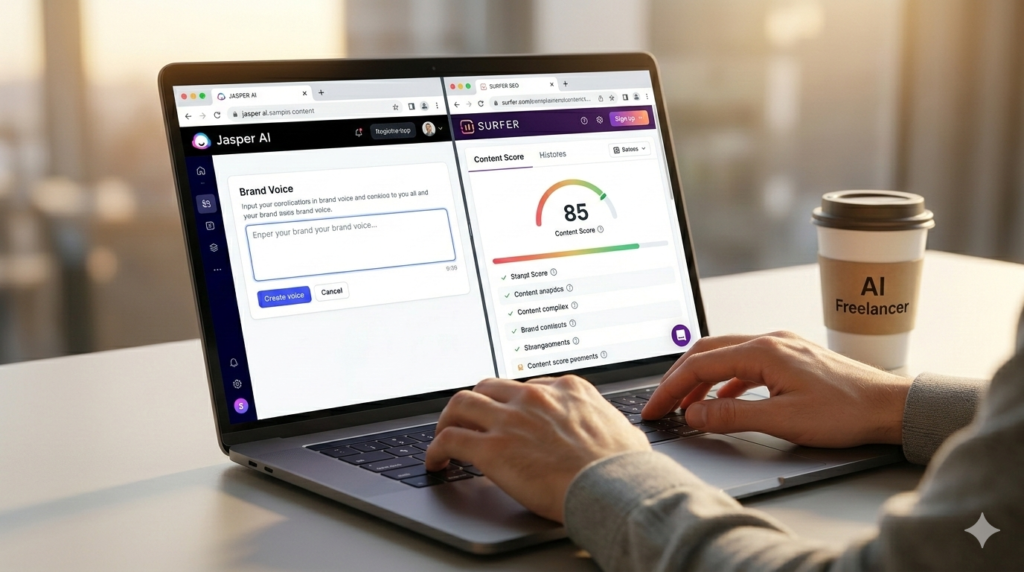
Write Faster, Rank Higher: Combine Jasper’s creative power with Surfer’s analytical insights to create perfect content. This is a crucial element among the top 10 AI tools every freelancer needs.
2. Surfer SEO: Mastering Search Engine Visibility
Creating content is useless if it never reaches the first page of Google. Surfer SEO is an essential tool in the top 10 AI tools every freelancer needs because it bridges the gap between creativity and technical data. It analyzes top-ranking pages for your target keywords and provides a real-time “Content Score” that guides your writing process with surgical precision.
Surfer SEO tells you exactly which terms to use, how many images to include, and the ideal word count to outrank your competition. For a freelancer, this means you can guarantee results for your clients. Instead of “hoping” a blog post performs well, you can show your client a data-backed score that proves the content is optimized for success.
The “Audit” feature in Surfer SEO is a goldmine for freelancers offering website optimization services. You can take a client’s existing, underperforming page and get a step-by-step checklist on how to fix it. This creates a recurring revenue stream by allowing you to offer ongoing SEO maintenance as a premium service.
3. AdCreative.ai: The Visual Sales Machine
Freelance designers and marketers often spend far too much time on creative variations for ads. AdCreative.ai solves this by using AI trained on millions of high-performing advertisements to generate hundreds of banners and social media creatives in seconds. It is a vital component of the top 10 AI tools every freelancer needs for anyone involved in digital advertising.
The tool focuses on “Conversion Rate Optimization” (CRO), meaning it doesn’t just make images look pretty—it makes them sell. You can input a client’s logo and brand colors, and the AI will produce a complete set of ads optimized for Facebook, Instagram, and LinkedIn. This allows you to offer ad management services with zero overhead for graphic design.
Using AdCreative.ai also provides you with an “AI Score” for each design, predicting its likelihood of success. This data allows you to act as a consultant for your clients, helping them choose the creatives that will maximize their return on ad spend (ROAS). It’s a professional edge that separates you from freelancers who rely purely on subjective “artistic” intuition.
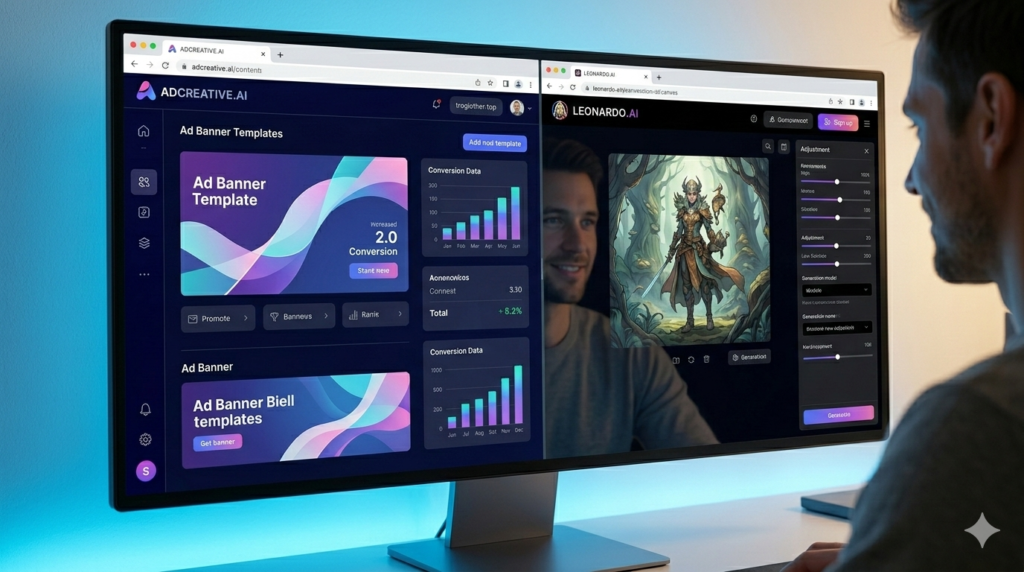
Visual Brilliance at Scale: AdCreative.ai automates high-converting ad visuals, while Leonardo.ai gives you total creative control. These are indispensable in the top 10 AI tools every freelancer needs toolkit.
4. Leonardo.ai: High-End Visual Generation and Editing
While Midjourney is popular, Leonardo.ai offers a level of control and a suite of tools that are better suited for professional freelance workflows. From generating custom icons to high-fidelity marketing assets, Leonardo.ai provides an intuitive interface for creating consistent visual branding.
The “Canvas” feature in Leonardo allows you to edit and expand images in real-time, making it an excellent tool for web designers who need specific dimensions for headers or hero images. You can use “Image Guidance” to upload a sketch or a reference photo, and the AI will generate a professional version that follows your specific layout.
For freelancers selling digital assets on platforms like Etsy or Creative Market, Leonardo.ai is a primary profit driver. You can train “Personal Models” on your own style, ensuring that everything you generate has a unique signature that can’t be replicated by other users. This is how you build a unique brand identity in the 2026 marketplace.
5. ElevenLabs: Studio-Quality Audio Branding
As the world moves toward audio and video, ElevenLabs has become the gold standard for AI voice technology. Whether you are producing a podcast, a video ad, or an audiobook, ElevenLabs provides voices that are indistinguishable from human speakers. For freelancers, this opens up an entire new service category: automated audio production.
The “Voice Design” tool allows you to create entirely new, unique voices for your clients’ brands. You can also use the “Speech-to-Speech” feature to record your own narration and then have the AI transform it into a professional, studio-quality voiceover while keeping your original emotion and pacing.
This tool is especially powerful for freelancers working with international clients. ElevenLabs supports high-quality dubbing in over 29 languages, allowing you to translate and voice your content for global audiences instantly. This expands your potential client base from your local region to the entire world.
6. Manychat: Automating Client Interaction and Sales
Handling client inquiries and lead generation manually is the biggest time-sink for any freelancer. Manychat is a leader in chat automation, allowing you to build “Sales Funnels” on Instagram, WhatsApp, and Facebook. It is a crucial part of the top 10 AI tools every freelancer needs because it handles the “conversion” part of your business while you sleep.
With Manychat, you can set up a bot that automatically greets potential clients, asks them about their budget and requirements, and even books a meeting on your calendar. This ensures that you never miss a lead because you were busy working on another project. It provides the “always-on” presence that modern clients expect.
Beyond your own business, you can sell “Automation Setup” as a service to other companies. Real estate agents, gyms, and local shops are desperate for someone to automate their customer service. By mastering Manychat, you can charge high setup fees for simple logic flows that take you less than a day to build.
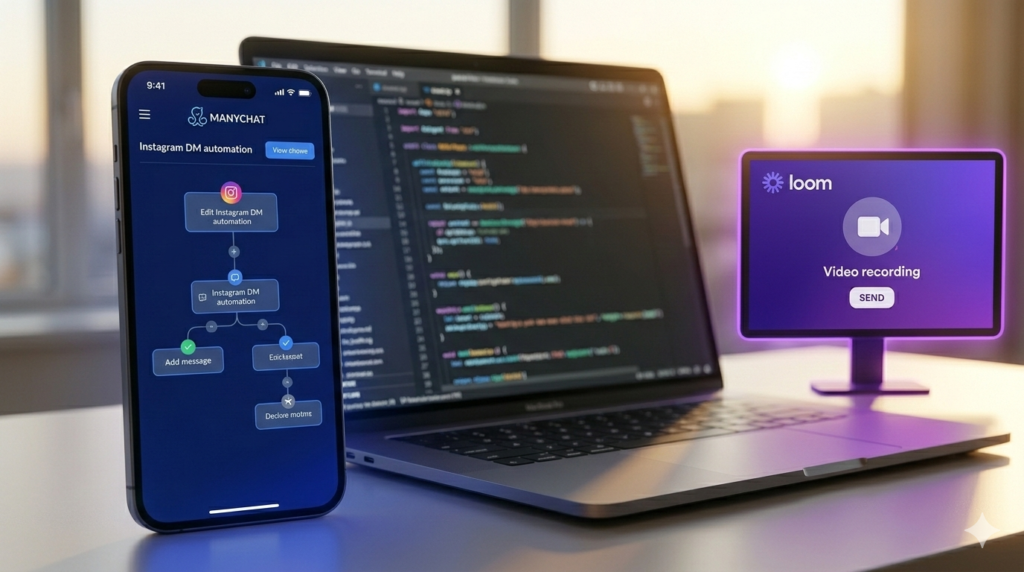
Automate & Communicate: Manychat handles 24/7 client interactions, while Loom simplifies async communication. These productivity champions are part of the top 10 AI tools every freelancer needs stack.
7. Notion: The Ultimate Freelance Command Center
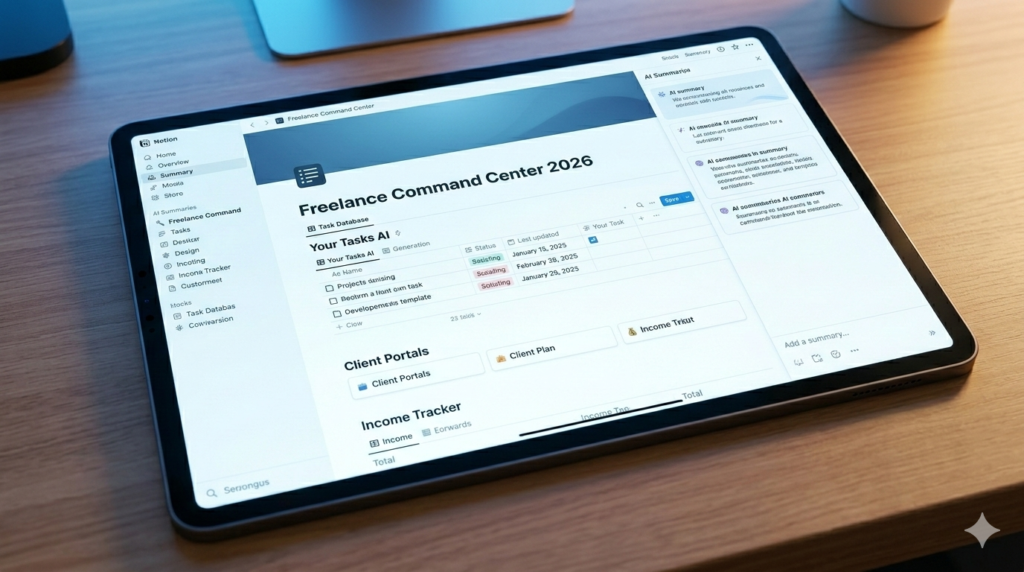
Your Business Brain: Notion (powered by AI) keeps your tasks, clients, and income organized in one place. It’s the central command center in the top 10 AI tools every freelancer needs ecosystem.
In 2026, Notion has transformed into an AI-powered powerhouse that functions as the central nervous system for your freelance business. It’s not just for notes; it’s a database, a project manager, and a writing assistant all rolled into one. Notion AI can summarize meeting notes, generate project timelines, and even help you brainstorm business ideas.
The strength of Notion lies in its ability to organize your “Your Tasks AI” workflow. You can build a “Client Portal” where your clients can see the progress of their projects, download deliverables, and upload feedback. This level of professionalism makes you look like a high-end agency rather than a solo freelancer.
Notion’s “Database” feature allows you to track your income, expenses, and affiliate marketing progress with ease. You can set up automated reminders for deadlines and use the AI to draft follow-up emails for overdue invoices. It is the tool that keeps your business organized so you can focus on the creative work.
8. SocialBee: Effortless Content Distribution
Freelancers need to stay visible on social media to attract new clients, but posting every day is exhausting. SocialBee is an AI-powered social media management tool that allows you to automate your entire distribution strategy. It allows you to categorize your content and set it on a recurring schedule.
One of SocialBee’s best features is its AI post-generator. You can take a single blog link and the AI will create ten different social media captions tailored for LinkedIn, X, and Instagram. This ensures your content reaches the maximum audience with the minimum amount of manual effort.
By using the “Evergreen” scheduling feature, you can ensure that your best-performing posts are reshared every few months. This keeps your lead pipeline full without you ever having to think about “what to post today.” For a freelancer, this means continuous visibility with zero daily maintenance.
9. HeyGen: Viral AI Video Production
Video is the most engaging medium, but many freelancers don’t have the time or equipment for filming. HeyGen allows you to create hyper-realistic AI video avatars that speak your script with perfect lip-syncing. It is one of the most futuristic entries in the top 10 AI tools every freelancer needs list.
You can use HeyGen to create “Product Explainers” or “Personal Introduction” videos for your website. You simply type your script, and the AI avatar speaks it with natural body language. This level of automation allows you to produce high-quality video content at scale for yourself or for your clients.
For those looking to build a YouTube channel or a TikTok presence to attract leads, HeyGen is a game-changer. You can take your blog posts written in Jasper and turn them into viral video scripts, voiced by ElevenLabs, and presented by a HeyGen avatar. It is the ultimate content factory.
10. Make.com: The Glue for Your AI Workforce
The final tool that ties everything together is Make.com. It is a visual automation platform that allows you to connect all your other tools without writing a single line of code. Make.com is the “orchestrator” that turns individual tools into a fully autonomous digital workforce.
For example, you can build a scenario where:
- A new lead fills out a form on your website.
- Make.com sends the lead data to your Notion database.
- It then uses Jasper to draft a personalized welcome email.
- Finally, it sends a notification to your Slack channel.
By mastering Make.com, you move from being a “worker” to being the “architect” of your business. This is the ultimate goal of using the top 10 AI tools every freelancer needs. You create systems that handle the repetitive work, allowing you to focus on high-level strategy and creative problem-solving.
Strategic Integration: How to Deploy These Tools
Knowing about these tools is only the first step; the real profit comes from how you integrate them into your “Your Tasks AI” workflow. You should not try to implement all ten at once. Instead, identify your biggest bottleneck—whether it’s writing, design, or client management—and start with the tool that addresses that specific pain point.
As you become comfortable with one tool, start looking for ways to connect it to others. For instance, connect your Surfer SEO data to your Jasper writing process, or use Make.com to sync your Notion tasks with your SocialBee schedule. This gradual integration builds a robust, scalable infrastructure that grows alongside your freelance income.
Remember that AI is a collaborative partner, not a total replacement for your expertise. Your unique human insight, your ability to understand complex client needs, and your creative “polish” are what make the final product valuable. Use AI to handle the volume and the technical heavy lifting, but always keep your “Human-in-the-Loop” to ensure the highest quality.
Conclusion: Future-Proofing Your Freelance Career
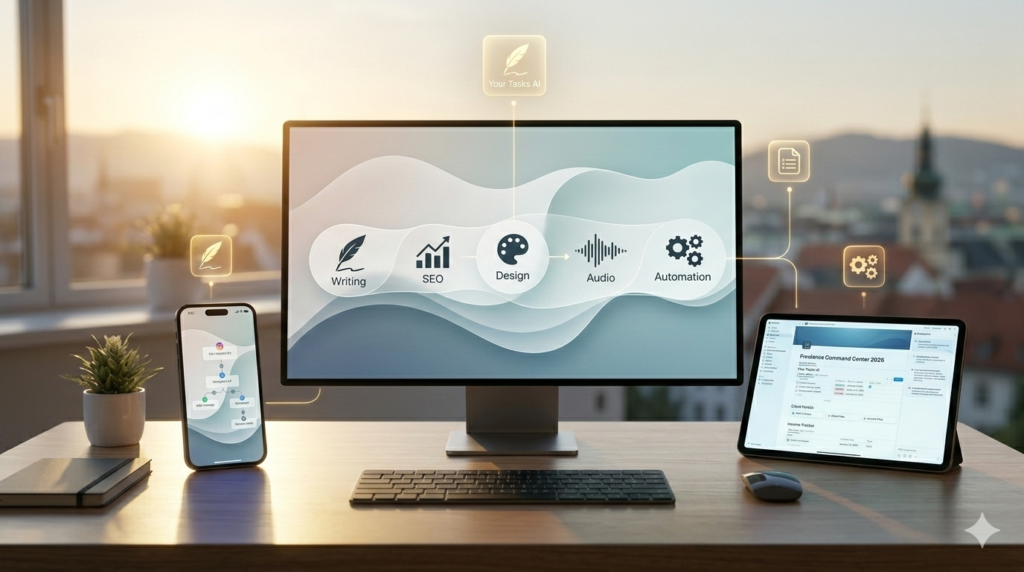
Automate Your Success: The top 10 AI tools every freelancer needs are the building blocks of an automated digital empire. Choose your first tool today and start scaling with your Tasks AI.
The era of manual labor in the digital space is coming to a close. By adopting the top 10 AI tools every freelancer needs, you are not just working faster; you are future-proofing your career against the rapid advancements of 2026. These tools provide you with the scale of a large agency while maintaining the low overhead and flexibility of a solo operation.
We have explored the power of Jasper for writing, Surfer for SEO, and the automation capabilities of Manychat and Make.com. Each of these tools is a pillar in a modern, automated freelance business. The journey to $10k+ months starts with a single step toward automation. Choose your first tool today and begin building your autonomous digital empire. The tools are ready; the only question is: are you ready to lead them?
Frequently Asked Questions About The Top 10 AI Tools Every Freelancer Needs
Q1: Is it expensive to subscribe to all of the top 10 AI tools every freelancer needs?
Starting with all ten tools simultaneously can be costly, but it is important to view these as investments rather than expenses. Most of these tools offer free tiers or “starter” plans. The strategy is to start with the 1-2 tools that solve your most time-consuming problem. As those tools help you earn more money or save more time, you can reinvest those profits into the next tool in the stack. In 2026, the cost of these subscriptions is significantly lower than hiring even a part-time virtual assistant.
Q2: Do I need to be a tech expert to use these AI tools?
No, most of these platforms are designed with user-friendly, “no-code” interfaces. Tools like Notion, SocialBee, and Jasper are very intuitive. For more complex automation platforms like Make.com, there are thousands of templates and tutorials available. The learning curve is a small price to pay for the massive productivity gains you will achieve. If you can navigate a basic web browser, you can master the top 10 AI tools every freelancer needs.
Q3: Will using AI tools make my work look “robotic” or generic?
This is a common concern, but it only happens if you use the tools poorly. The key to maintaining quality is the “Human-in-the-Loop” approach. Use AI to generate the first draft, do the research, or create the initial design, and then apply your personal touch. By using Jasper’s “Brand Voice” or Leonardo’s personal training models, you can ensure that the output remains unique and aligned with your personal brand. AI handles the 80% of “grunt work,” leaving you the 20% of “creative brilliance.”
Q4: Can I really use ElevenLabs and HeyGen to replace professional video production?
For many types of content—such as educational tutorials, product explainers, and social media ads—the answer is yes. While AI currently doesn’t replace high-end cinematic filmmaking, it is more than sufficient for the vast majority of digital marketing needs. HeyGen avatars in 2026 are nearly indistinguishable from humans, and ElevenLabs voices carry natural emotion and inflection. This allows you to offer video services at a price point that traditional production companies cannot match.
Q5: How does Surfer SEO actually help me get more clients?
Surfer SEO gives you “Proof of Performance.” When you can show a potential client that you have a system to score content according to Google’s current ranking factors, you are no longer just another writer; you are an SEO specialist. You can provide “before and after” scores of a client’s website, proving the value of your work. This data-driven approach builds immense trust and allows you to charge premium rates for your services.
Q6: Why is Make.com listed as an essential tool for freelancers?
Make.com is essential because it is the only way to scale without adding more work to your plate. If you have ten different tools, you don’t want to spend your day manually moving data between them. Make.com automates the communication between your stack. It allows your business to function as a single, unified machine rather than a collection of disconnected apps. Mastering this orchestration is what separates high-earning “system-builders” from average freelancers.
Q7: Are these AI tools safe to use with client data?
Reputable AI companies like Notion, Manychat, and Jasper invest heavily in data security and privacy compliance (GDPR, SOC2, etc.). However, it is always a best practice to avoid inputting highly sensitive personal information or proprietary secrets into any cloud-based tool. For standard business tasks, marketing copy, and project management, these tools are widely considered safe and are used by Fortune 500 companies globally.
Q8: Can I use Leonardo.ai to create logos for my clients?
Yes, Leonardo.ai is excellent for logo conceptualization and design. You can use its “Vector” style models to create clean, minimalist designs that can then be converted into scalable files. It allows you to provide dozens of logo concepts in minutes, which you can then refine based on client feedback. This drastically speeds up the branding process and allows you to offer “Logo Design Packages” as an upsell.
Q9: Does Manychat work for platforms other than Instagram?
Manychat has expanded its capabilities to support Instagram, Facebook Messenger, WhatsApp, and even SMS. This allows you to create a multi-channel automation strategy. For example, a lead could message you on Instagram, and your Manychat bot can collect their phone number and send them a follow-up via WhatsApp. This cross-platform automation is essential for staying top-of-mind with modern clients who use multiple communication apps.
Q10: What is the first tool I should start with today?
If you are focused on growth and client acquisition, start with Manychat to automate your leads or Jasper to improve your marketing copy. If you are struggling with organization, start with Notion. The “best” first tool is the one that removes your most painful daily task. By starting with just one of the top 10 AI tools every freelancer needs, you will immediately see a difference in your energy levels and your business’s bottom line.
Q11: How often should I update my AI toolkit?
The world of AI moves fast. While the tools listed in the top 10 AI tools every freelancer needs are the current market leaders, you should dedicate at least one hour a week to “R&D” (Research and Development). Check for new feature updates within your existing tools and keep an eye on emerging technologies. The freelancers who thrive are those who stay curious and are willing to adapt their workflows as better technologies become available.
Q12: Can I use Jasper AI for languages other than English?
Yes, Jasper supports over 30 languages, making it a perfect tool for international freelancers. You can write your content in English and have it perfectly translated and culturally adapted into Spanish, German, Japanese, and more. When combined with ElevenLabs’ multilingual voice dubbing, you can create a truly global freelance agency that serves clients in every corner of the world without ever needing a translation team.
https://yourtasksai.com/building-your-first-ai-side-hustle-roadmap/
Pingback: How to Use ChatGPT for Content Creation That Converts - yourtasksai.com